How to Manage All Your Wedding Planning in One Place
Is your wedding planning scattered everywhere? Stop switching between apps, spreadsheets, and group chats. Here's how to bring everything together in one central hub.
How to Manage All Your Wedding Planning in One Place
Is your wedding planning scattered everywhere?
You’ve got guest names in a spreadsheet. RSVPs coming through WhatsApp. Event details in a Google Doc. Venue photos in a folder somewhere. Your partner has their own versions of everything. Your mother keeps asking questions you’ve already answered.
Sound familiar?
Wedding planning doesn’t have to be this chaotic. When everything lives in one place, you stop wasting time hunting for information and start actually enjoying the process.
The Scattered Planning Problem
Let’s be honest about what scattered planning looks like:
Multiple spreadsheets – One for guests, another for budget, a third for vendors, each slightly out of date.
Group chat chaos – Important details buried under 200 messages about what time the fitting is.
Email overwhelm – Venue confirmations, vendor quotes, and family questions all mixed together.
Partner disconnect – “Did you update the guest list?” “I thought you were doing that.”
Repeat explanations – Answering the same questions from different relatives over and over.
Lost information – You know you saved that vendor quote somewhere… but where?
This isn’t just annoying. It’s exhausting. And it takes time away from what matters – celebrating your upcoming marriage.
What “One Place” Actually Means
When we talk about managing your wedding in one place, we mean:
Single source of truth – There’s one guest list, not five versions. When it’s updated, everyone with access sees the update.
Everything connected – Your guest list connects to your RSVPs. Your events connect to your schedule. Your website reflects your actual plans.
Accessible anywhere – Whether you’re on your phone at the venue or on your laptop at home, you see the same information.
Shareable with your partner – Both of you can update, both of you see changes, no more “which version is correct?”
Reduced communication – Guests find answers on your website instead of texting you. Fewer questions, less repetition.
How a Wedding Website Becomes Your Central Hub
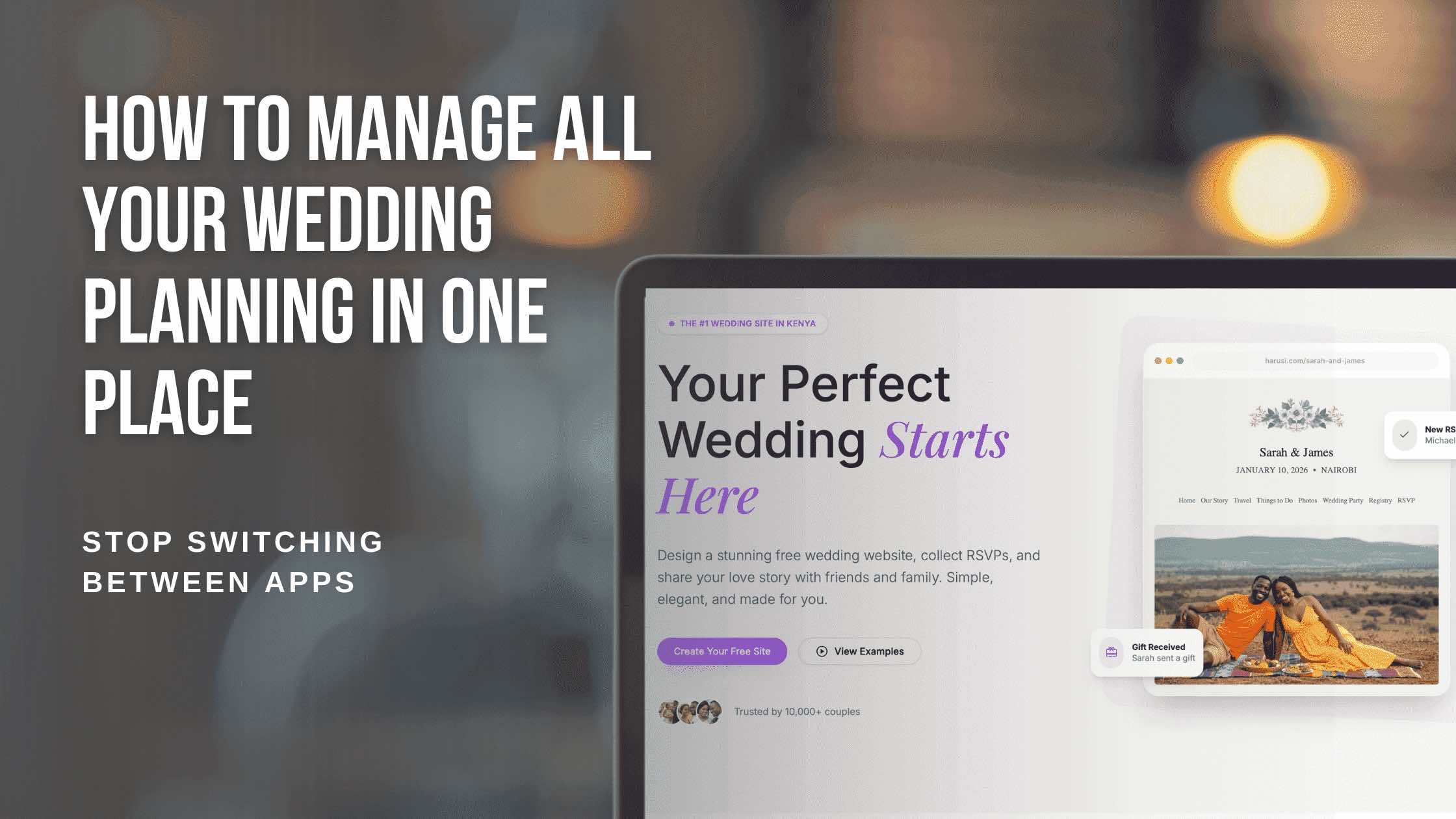
Your wedding website isn’t just a pretty page to share with guests. It’s the center of your wedding planning universe.
For Your Guests
Your website becomes the one link you share for everything:
- Wedding date and location? On the website.
- Can they bring a plus one? Check the website.
- What’s the dress code? It’s on the website.
- Where should they RSVP? The website.
- Where are you registered? Website.
Instead of answering the same questions repeatedly, you say: “Check our wedding website – everything is there.”
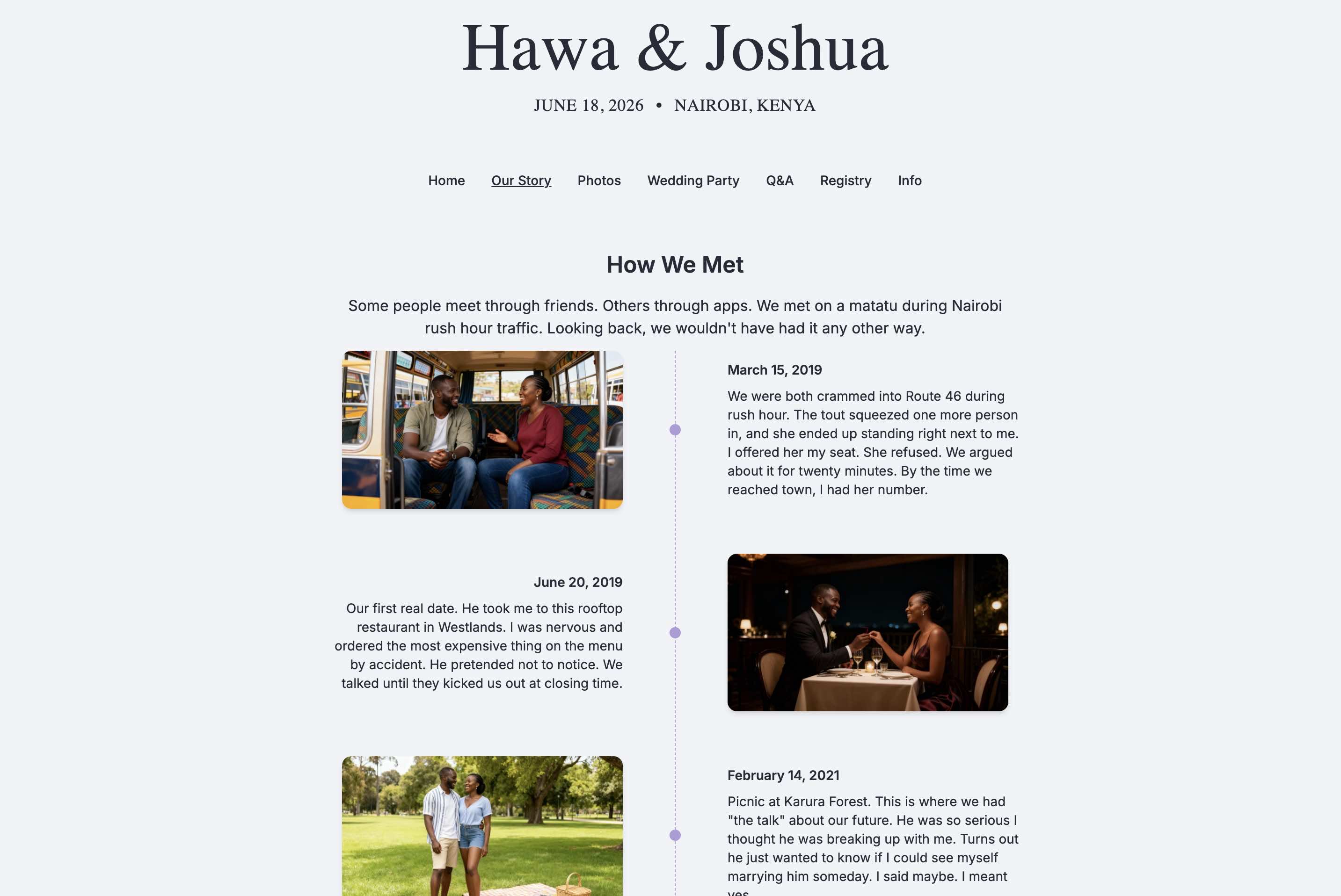
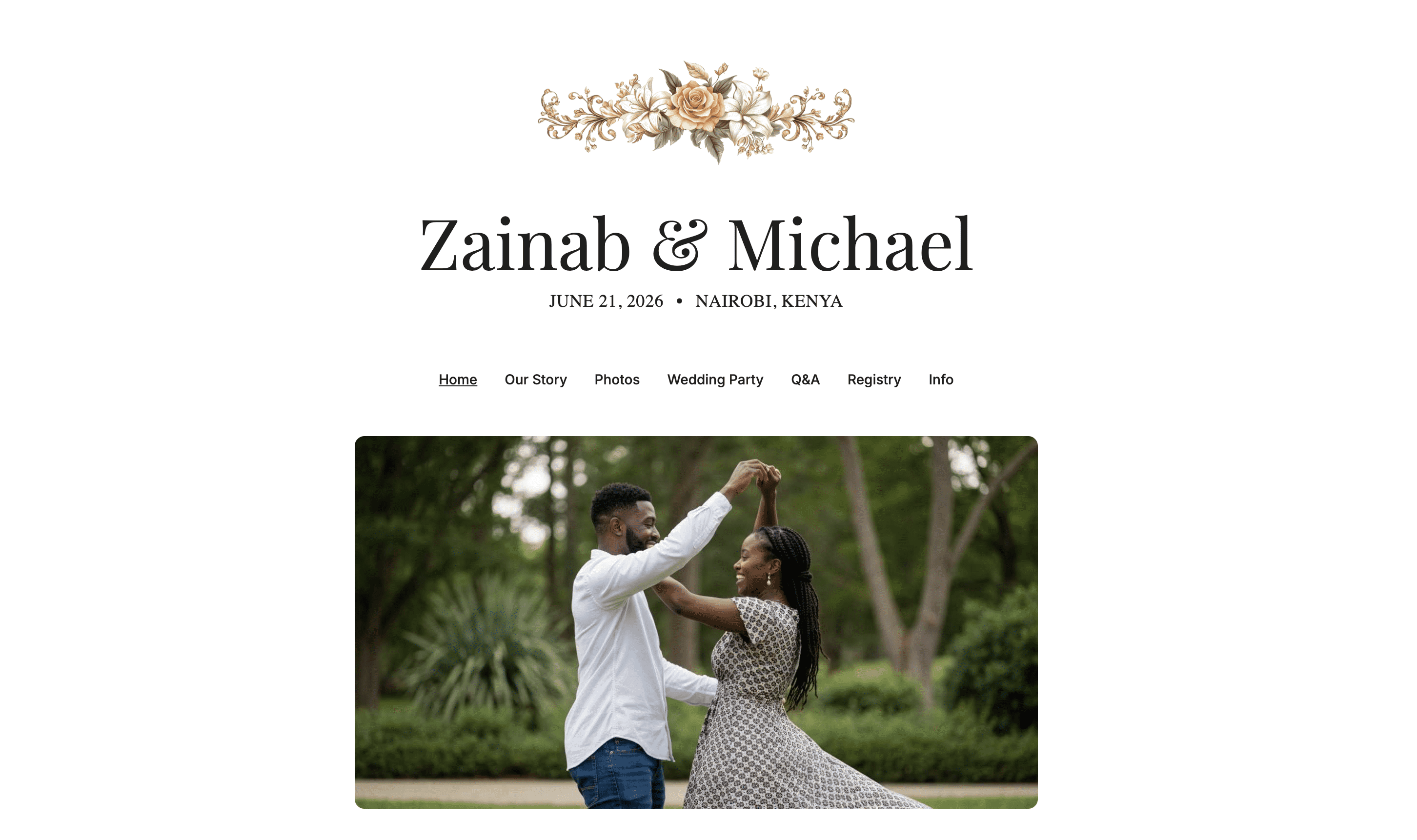 Your wedding website becomes the single source of truth for guests
For You and Your Partner
Your dashboard becomes the command center for planning:
- Guest list – One list, always current, accessible to both of you
- RSVP tracking – See responses in real-time, filter by status
- Event management – All your events in one view
- Website editing – Update any page anytime
- Registry – Manage contributions and gifts
Everything connects. When someone RSVPs, the guest list updates. When you add an event, it appears on your website. No copying, no syncing, no “which file is the latest?”
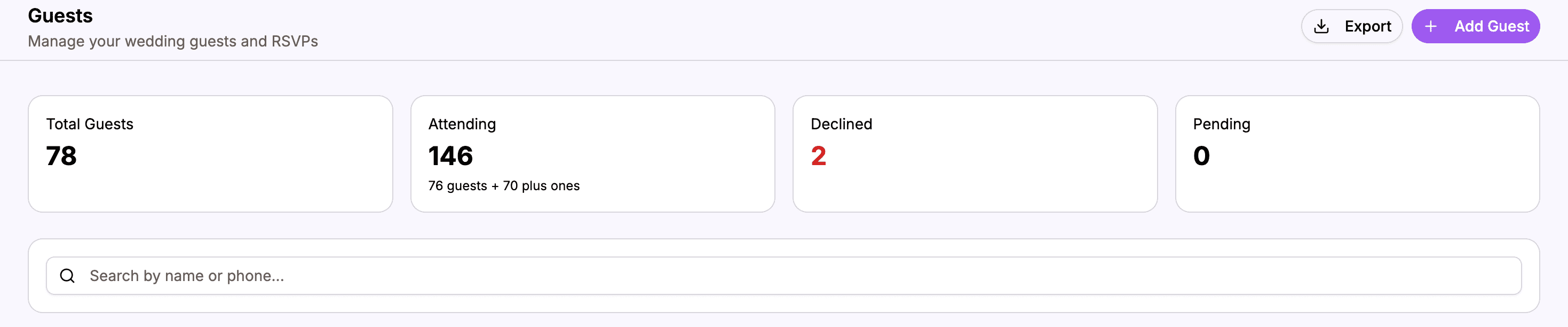 Your dashboard connects everything – guests, events, RSVP, and website
The Daily Reality of Organized Planning
Here’s what wedding planning looks like when everything is in one place:
Morning: Check Your Dashboard
You open your dashboard over coffee. You see:
- 3 new RSVPs came in overnight
- Your guest count is now at 127 attending
- One guest left a dietary note you should check
No spreadsheet to open. No WhatsApp to scroll through. Just a quick glance at your command center.
Afternoon: A Question from Family
Auntie texts: “What time does the reception start?”
You reply: “Check our website – harusihub.com/your-slug. Everything’s there!”
No digging through documents. No typing out details you’ve typed a dozen times. The website answers for you.
Evening: Planning with Your Partner
You sit down together. You’re both looking at the same dashboard.
“Let’s add Uncle James to the guest list.”
One of you adds him. The other sees it immediately. He’s now on the shared list, ready to receive an invitation, able to RSVP when the time comes.
No “send me the spreadsheet.” No version conflicts. Just collaborative planning.
What Belongs in Your Central Hub
Must-Haves
These should absolutely live in your wedding hub:
| Item | Why It Matters |
|---|---|
| Guest list | Single list that both partners can access and update |
| RSVP responses | Track who’s coming without manual tallying |
| Event details | Dates, times, venues – all connected to your website |
| Wedding website | The public face of your wedding information |
Nice-to-Haves
These can also live in your hub:
- Registry links
- Wedding party information
- Your story and photos
- Q&A for guests
- Accommodation suggestions
What Stays Elsewhere
Some things still need separate tools:
- Budget tracking – Use a dedicated app or spreadsheet
- Vendor contracts – Keep these in email or a folder
- Personal planning notes – Your private to-do lists
The goal isn’t to force everything into one tool. It’s to centralize the things that benefit from being connected and shared.
Making the Switch
If you’re currently scattered, here’s how to consolidate:
Step 1: Create Your Wedding Website
Your website becomes the foundation. Set it up with:
- Your names and date
- Basic event information
- The pages you want guests to see
This takes about 10 minutes to get started.
Step 2: Build Your Guest List
Import or manually add your guests. This becomes the one list – stop updating spreadsheets after this.
Step 3: Share One Link
From now on, when anyone asks about your wedding, share your website link. Train yourself (and your partner) to say: “It’s all on our website.”
Step 4: Direct People to the Website
When questions come in:
- “What should I wear?” → “Check the Q&A on our website”
- “Where is the venue?” → “The address is on our website”
- “How do I RSVP?” → “There’s an RSVP page on our website”
After a few redirects, people learn where to look.
Step 5: Check Your Dashboard, Not Spreadsheets
Get in the habit of opening your dashboard instead of your old scattered tools. Your RSVPs, guest counts, and planning status all live there.
The Mental Relief of Organization
Beyond the practical benefits, there’s something powerful about knowing everything is handled:
Less anxiety – You’re not worried about missing information or forgetting to update something.
Better partnership – You and your partner are literally on the same page.
More presence – When you’re not constantly managing chaos, you can enjoy the engagement period.
Confidence when asked – You know the answer or know exactly where to find it.
Wedding planning will always have stressful moments. But the stress shouldn’t come from hunting for a spreadsheet or re-explaining details for the tenth time.
Start With One Step
You don’t have to overhaul everything at once. Start with one step:
- Create your wedding website – Even a basic one gives you a link to share
- Add your guest list – Get everyone in one place
- Share the link – Start directing people to your website
Each step reduces scatter. Each step brings more organization. Each step gives you back time and mental energy for what actually matters.
Your wedding planning doesn’t have to live in a dozen different places. Bring it together, and experience the calm that comes from knowing exactly where everything is.
Ready to get organized?
Create your wedding website and bring everything together in one place.
Start Your Wedding Hub